Mastering Your Day: Evaluating a Set of 10 Editable Canva Templates for Daily Scheduling
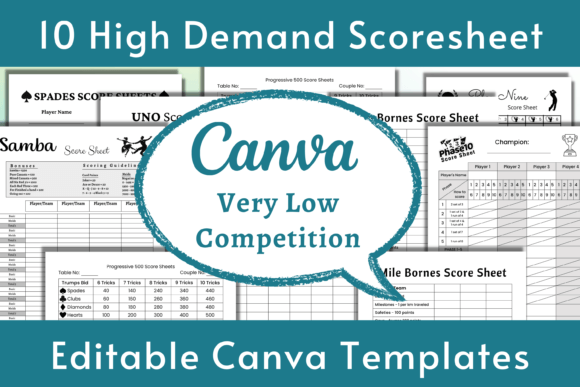
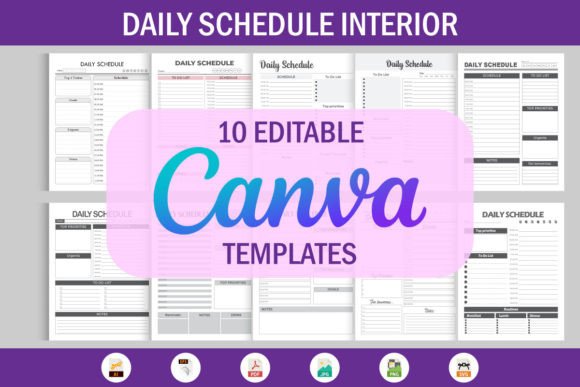
For individuals looking to organize their time with visual and customizable tools, pre-made planner templates offer a significant head start. A product described as "10 Editable Canva Templates Daily Schedule" represents a specific approach within this category. Fundamentally, it is a digital bundle providing ten distinct design styles for daily planners, all created for and editable within the Canva platform. The core distinction lies not just in the quantity, but in the bundled formats and the focus on editability prior to use.
Understanding the Bundle's Composition and Flexibility
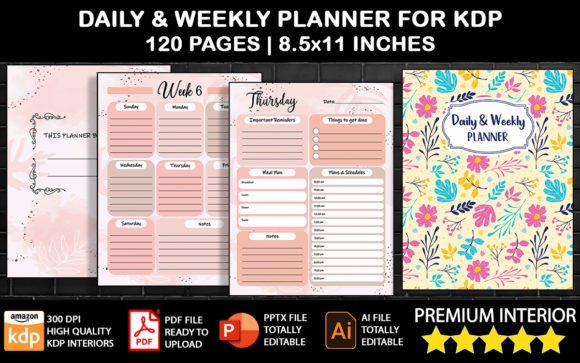
When you acquire such a bundle, you typically receive the ten designs in multiple file formats. This often includes 10 PDFs (likely print-ready versions), 10 JPGs (static images), 10 Transparent PNGs (useful for overlaying), 10 AI files (for Adobe Illustrator), 10 EPS and 10 SVG files (vector formats for scalability), and crucially, 10 Canva Templates. The inclusion of native Canva template links or files is the key feature, granting direct editing access within a widely-used, free online design tool. This multi-format delivery aims to serve various user intents: instant printing, further graphic manipulation in professional software, or quick online customization.
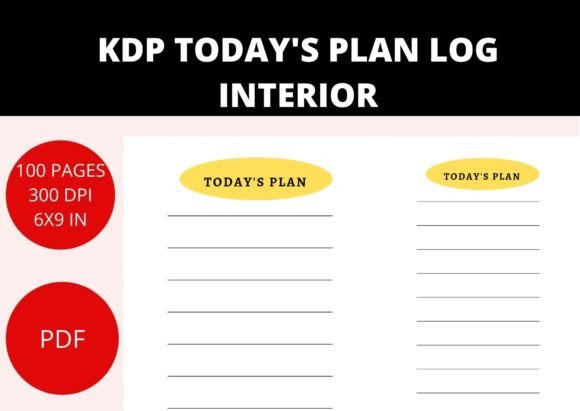
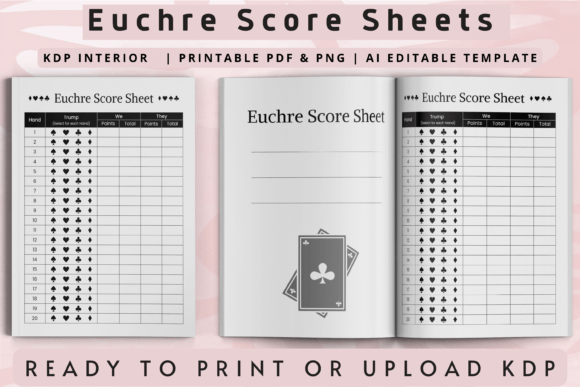
The "all in one Zip file" delivery method is standard for digital products, particularly on platforms like KDP (Kindle Direct Publishing) where such interiors are sold. For the buyer, the value proposition centers on versatility. You are not locked into a single look or a single software application. If you prefer the simplicity of Canva, you use those templates. If you have Illustrator and want to alter core vectors, the AI and EPS files serve that purpose. The different styles—which might range from minimalist to colorful, professional to playful—attempt to cater to diverse personal tastes or niche audiences.
The Primary Use Cases and Ideal Fit
This bundle is best suited for certain specific scenarios. First, it fits creators who intend to sell or publish daily planners, such as through KDP. Having ten styles provides quick options for multiple book interiors or allows for creating a series. Second, it serves individuals, educators, or small business owners who need to produce a polished, custom schedule repeatedly—for personal use, for clients, or for students—without starting from a blank canvas each time. The editability means you can change colors, fonts, logos, and layout sections before printing or sharing digitally.
A practical comparison is with other sources of planner templates. You might find single, free templates on Canva itself or purchase individual, highly specialized planners from graphic marketplaces. The tradeoff here is between breadth and specificity. This bundle offers variety at a likely lower cost-per-design than buying ten separate items, but the styles are predetermined. If you need a daily schedule template with an extremely unique theme—say, highly niche hobby tracking—one of these ten might not fit, and a custom or single-purpose purchase could be better. The bundle's strength is efficiency and variety for common daily planning needs.
Key Decision Factors: Editability Versus Final-Form Formats
A critical evaluation point is the relationship between the editable formats and the ready-to-use formats. The Canva templates, AI, EPS, and SVG files are for modification. The PDFs and JPGs are typically final output versions. This duality is important for your skill set and intent. If you are comfortable with Canva or vector software, the editable formats unlock true customization. You can align the planner perfectly with your brand or personal aesthetic. However, if you lack design software skills or simply want to print immediately, you might rely solely on the PDFs. In that case, you are accepting the designs as-is, which may still be satisfactory if the styles align with your needs.
Compared to purchasing only a set of PDFs, this bundle provides future flexibility. Even if you don't edit today, having the source files allows for adaptation later. Conversely, some products offer only Canva templates without the vector or print-ready files. The tradeoff there is losing the ability to professionally edit vectors or get high-quality prints without using Canva's export. This bundle attempts to bridge both worlds, which is a significant advantage for users who may have evolving requirements.
Considering the Workflow: From Template to Finished Product
A realistic example for a KDP publisher illustrates the workflow. You download the zip file, browse the ten styles, and select one that matches your book's theme. You open the Canva template, change the primary color to match your cover, adjust the font to a KDP-compatible one, and perhaps add a subtitle. Then, you export a high-resolution PDF from Canva directly for upload to KDP. Alternatively, you might use the provided PDF if no changes are needed. The included guide on "how to upload Canva" suggests the seller anticipates users needing this final step, which is helpful for newcomers.
For a non-publishing user, such as a team leader needing weekly meeting schedules, the process differs. You might take the SVG file, import it into your company's design software to add the corporate logo systematically, and then generate batch PDFs for distribution. The transparent PNGs could be useful for creating digital overlays on presentation slides. This multifaceted utility is where the bundle can justify its offering against a simpler, single-format product.
When This Bundle Might Not Be the Right Alternative
Despite its versatility, there are situations where other options merit exploration. If your daily scheduling needs are hyper-specific and require integrated functionality—such as automated digital scheduling linked to a calendar app—this is a static, printable template bundle. It will not provide dynamic features. In that case, dedicated scheduling software or apps are the appropriate alternative.
Furthermore, if you require complete artistic control from the ground up, starting with a blank document in your preferred design tool might yield a more personalized result than editing a template, even with ten choices. Also, if you only need one style and one format (e.g., just a PDF), purchasing a smaller, single-template product could be more cost-effective. The value of this bundle diminishes if you will never use the variety or the alternative file formats.
Evaluating the Long-Term Utility and Updates
A consideration with any digital template product is longevity and support. While ten styles provide immediate choice, design trends and personal needs change. Does the seller offer updates or additional templates? Typically, such bundles are static purchases. Therefore, assessing whether the ten current styles have a timeless quality or cover a broad enough range of aesthetics (modern, classic, casual, structured) is part of your decision. Compared to subscribing to a template service that regularly releases new designs, this is a one-time acquisition with a fixed library.
The breadth of formats, however, contributes to long-term utility. As your skills grow, you might learn Illustrator; having the AI files then becomes valuable. As your distribution needs shift from print to digital graphics, the SVG and PNG files gain relevance. This future-proofing aspect is a subtle but important benefit compared to buying only what you need today.
Making an Informed Choice for Your Planning Needs
Ultimately, selecting a resource like the 10 Editable Canva Templates Daily Schedule bundle is a matter of matching its characteristics to your project's scope, your technical comfort, and your output requirements. Its core advantages are variety in style, flexibility in format, and efficiency in customization via Canva. It serves users who operate in a middle ground between total design self-sufficiency and needing a completely finished, unalterable product.
Before committing, it is prudent to define your primary use. Are you publishing? Are you creating internal organizational tools? How many different visual styles do you actually need? Do you possess the software or willingness to use Canva for edits? Answering these questions will clarify whether this multifaceted bundle is the optimal solution or if a more targeted, simpler alternative is a better fit. In the landscape of daily planner resources, this product stands out for attempting to cater to multiple workflows simultaneously, offering a practical toolkit for anyone whose planning requires both structure and a touch of personal design.